One ecosystem.
Distinct experiences.
Choose the way you want to work. Creative apps such as JT Studio and JT Motion open straight into their workspaces. The other products open their own branded websites, with product information, workspace launch links and a dedicated downloads page.
Choose your experience.
Each tile takes you to the right destination: a workspace for creating, or a full product site for learning about a tool and choosing its available download.
JT AI Hub
Use configured ChatGPT and Jeff AI providers side by side, or prepare a manual handoff to Microsoft Copilot.
Open JT AI Hub ↗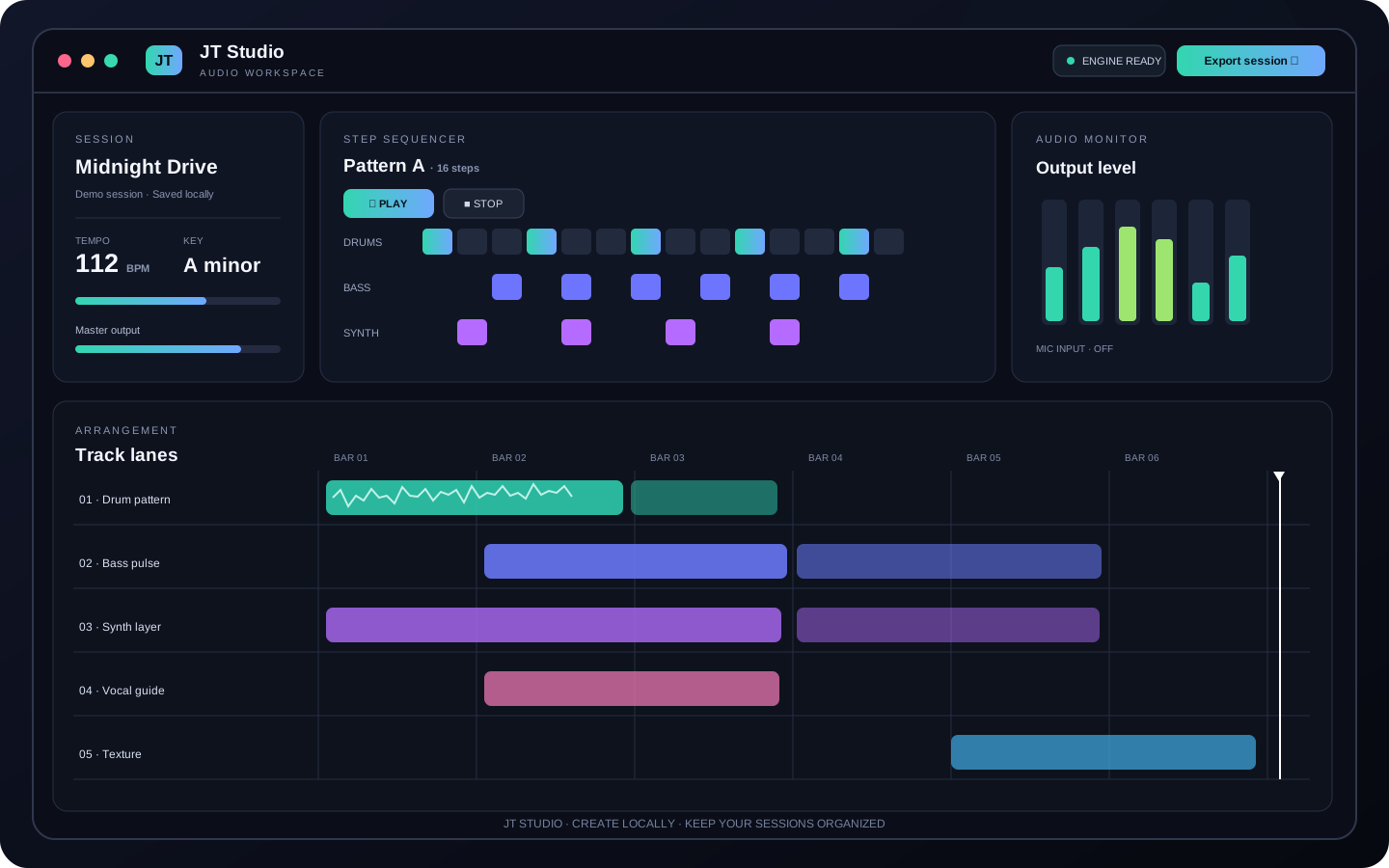 OPEN WORKSPACE DIRECTLY
JT Studio
Start a creative audio session, test your microphone, record audio locally, and organise tracks and mix notes.
Launch Studio workspace ↗ OPEN WORKSPACE DIRECTLY
JT Motion
Organise local media, plan shots, mark in/out points, and build a visual story from a focused creator workspace.
Launch Motion workspace ↗ OPEN CREATOR STUDIO
JT Stream
Compose camera and screen scenes, create overlays, record locally and prepare a production rundown.
Open Stream Studio ↗ PRODUCT WEBSITE
JT Code
Explore coding tools, a sandboxed preview workspace, debugging workflows and coding-agent handoff support.
Explore JT Code · Downloads ↗ PRODUCT WEBSITE
JT Design
Explore vector creation, brand direction, creative iterations and export options.
Explore JT Design · Downloads ↗ AI PRODUCT WEBSITE
JT AI Agent
Visit the JT AI workspace for research, reasoning, coding support and project workflows.
Open JT AI Agent website ↗ PRODUCT WEBSITE
Agent Jeff
Learn about the Windows desktop agent, permission-controlled actions and published downloads.
Explore Agent Jeff · Downloads ↗ PRODUCT WEBSITE
JT Cloud
Explore project organisation, local project vaults, file indexes and the connector roadmap.
Explore JT Cloud · Downloads ↗ PRODUCT WEBSITE
JT App Manager
Discover the JT catalogue, readiness information and verified release paths.
Explore App Manager · Downloads ↗PRODUCT WEBSITEJT AI Core
Explore the shared AI foundation, provider abstraction, app-scoped tools and privacy principles.
Explore JT AI Core · Downloads ↗